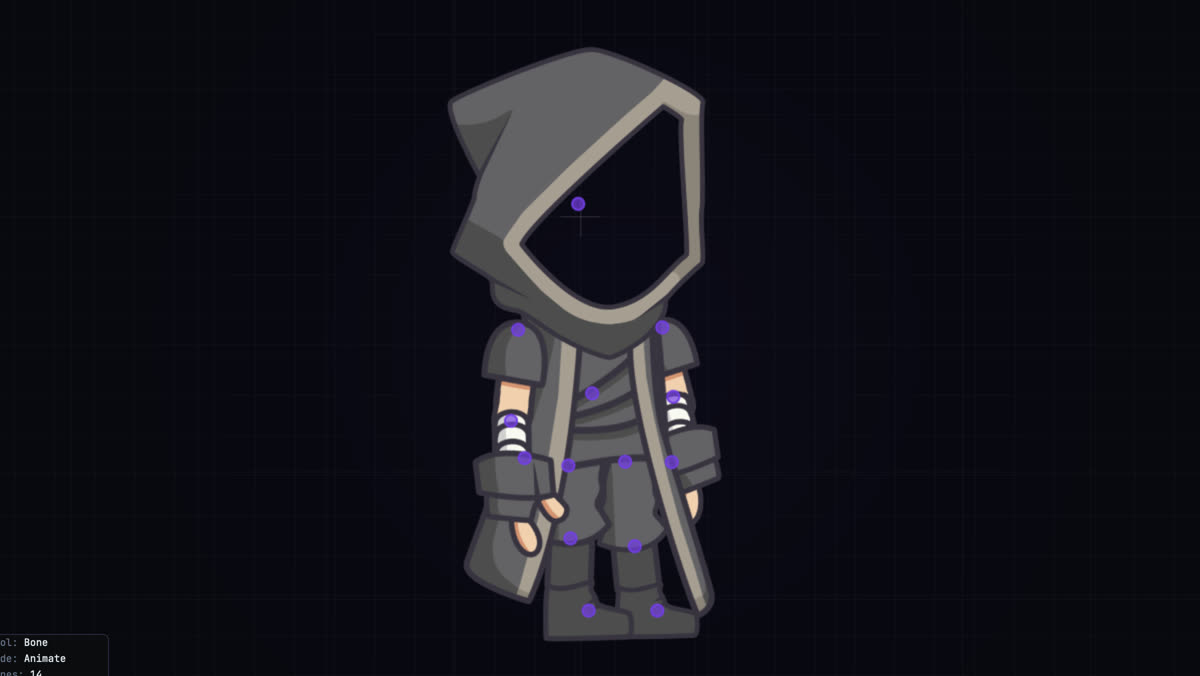
Bones and hierarchies
Draw bone chains straight on the canvas, re-parent without the rig jumping, and group what belongs together. IK is there for the chains that need it.
Free, no subscription
A 2D skeletal animation editor. Build bone rigs, key them on a timeline, export video or sprite sheets.
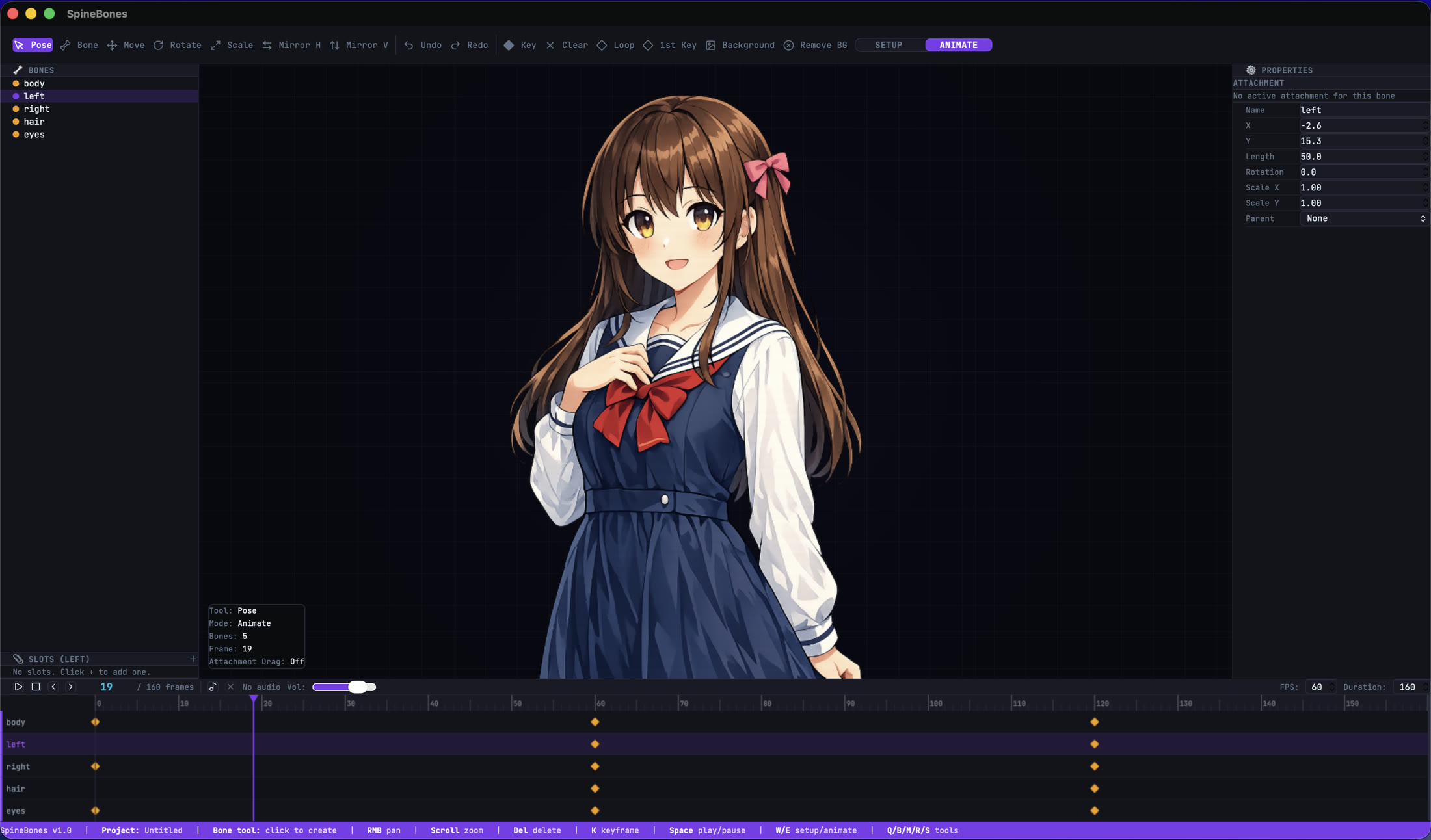
Bone hierarchy, slots, properties, and the keyframe timeline in a single window.
No plugins to install, no per-seat licence, no cloud round trip.
Draw bone chains straight on the canvas, re-parent without the rig jumping, and group what belongs together. IK is there for the chains that need it.
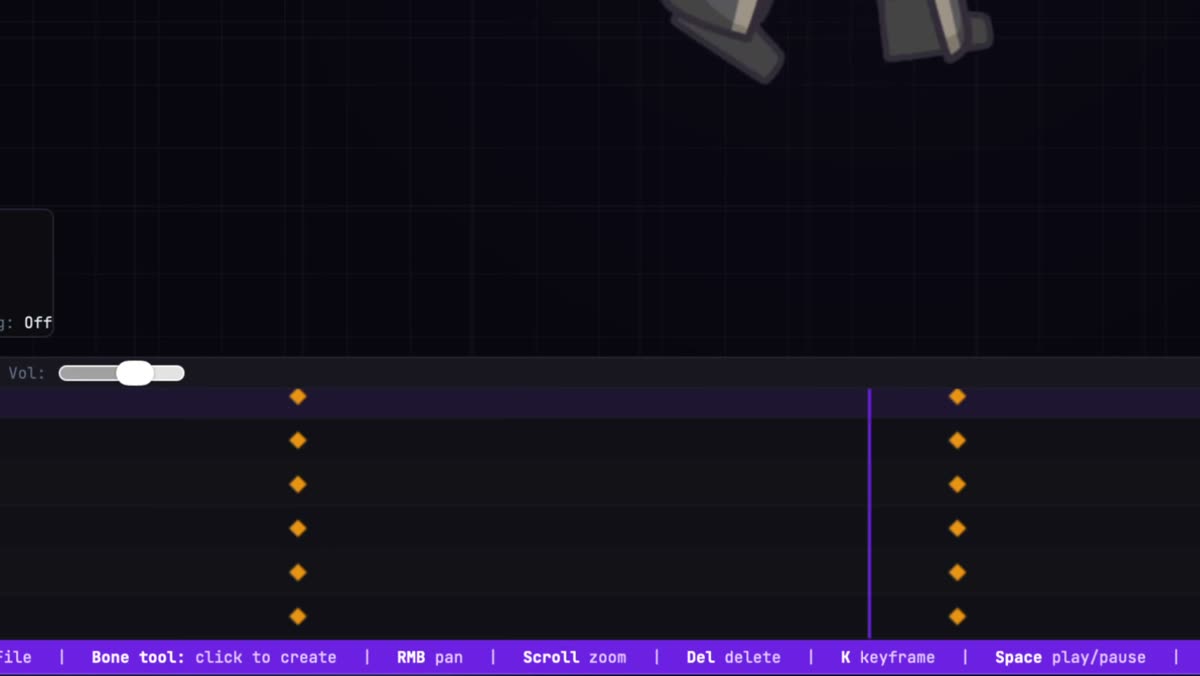
Insert, drag, multi-select, copy, and loop keys. Set easing per key, and drop in an audio track when the timing has to land on a beat.
Bind PNG, JPG, SVG, or WebP art to a bone, stack several attachments per slot, and swap them frame by frame for sprite work.
Turn any attachment into a mesh, push vertices around on the canvas, and key the deformation so cloth and hair bend instead of sliding.
Ghost the poses on either side of the playhead to check arcs and spacing before they turn into a pop.
Previous pose Next pose
The 16:9 preview is the frame you ship. Pan and zoom the camera freely, then play the whole thing back at up to 120 frames per second.

SETUP holds the base pose. ANIMATE holds the keys. Editing one does not wreck the other.
In SETUP, build the bone chain, hang art off slots, and align every attachment to its bone. The timeline stays out of your way.
Switch to ANIMATE and key position, rotation, and scale. Fade attachments, bend meshes, let IK handle the arms and legs.
Scrub, loop, and play at the real frame rate. Turn on onion skin to read the arcs, and load audio when the timing has to match sound.
Write out a WebM, a PNG sequence, or a sprite sheet. Or save an .sbn package and pick the work back up on another machine.
The MCP bridge exposes the rig, the timeline, and the exporter to Claude and any other MCP client.
Web, compositor, game engine, or back into SpineBones tomorrow.
The full animation rendered frame by frame, background image included when one is active.
Transparent frames zipped up, ready to drop into After Effects, Resolve, or any compositor.
A packed sheet with its atlas data, sized for game engines and 2D frameworks.
Bones, slots, keys, and every bundled image in one portable file. Legacy .json projects open too.
Every tool, mode, and timeline move is one key away.

Free to download. No account, no licence key, no trial timer.
macOS 12 or newer. Windows 10 or newer.